
Labour & equipment profiles
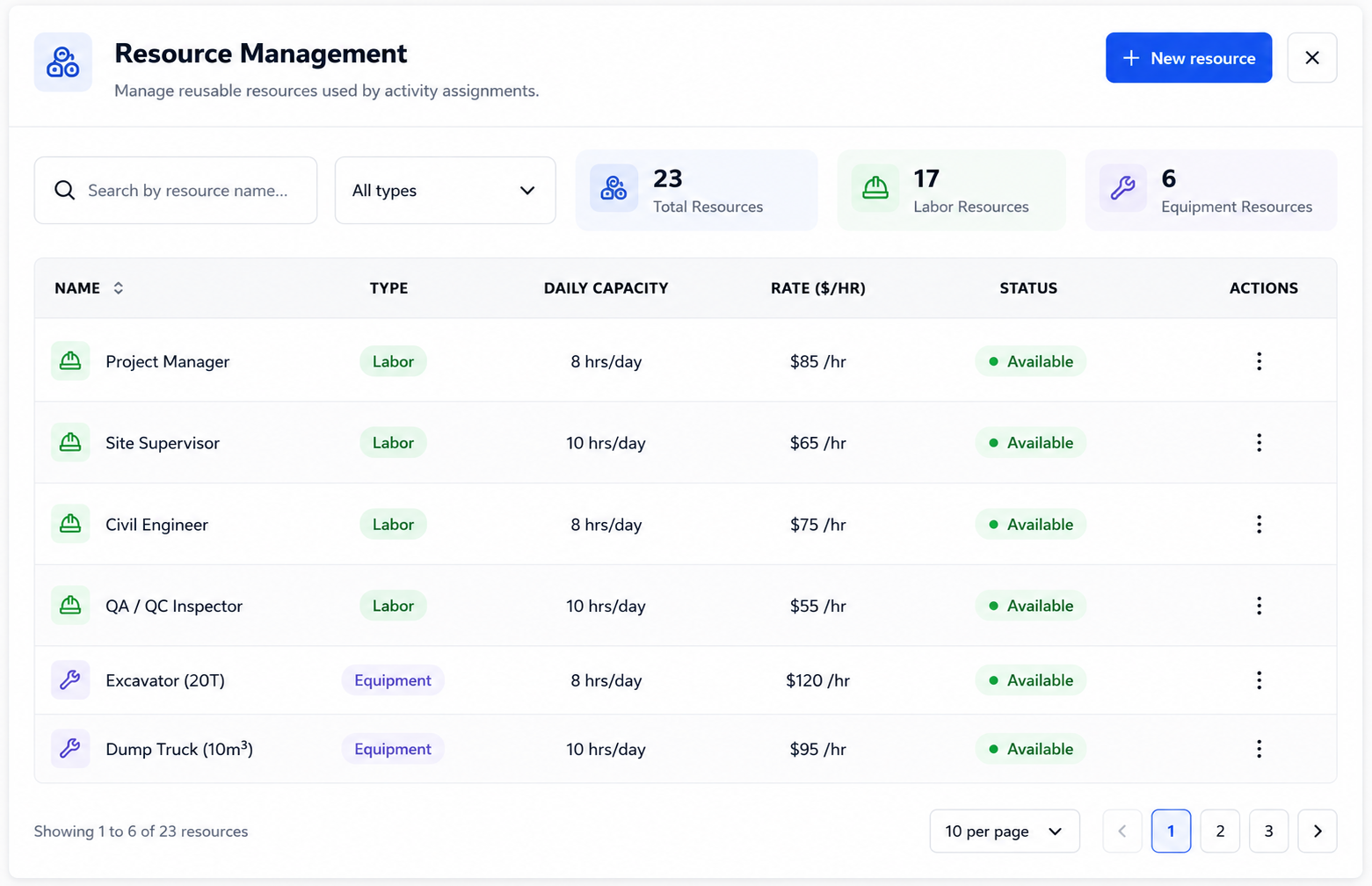
Define named resources as labour roles, crews, or equipment. Each carries availability and default rates so the plan speaks the same language as your planners — not a generic list of placeholders.
Crews, equipment, capacity limits, and assignments share the same project model as your activities and critical path — one plan for workload and dates.
Define named resources as labour roles, crews, or equipment. Each carries availability and default rates so the plan speaks the same language as your planners — not a generic list of placeholders.
Set daily limits per resource so the schedule models finite capacity. When demand exceeds availability, you see it in the plan — before it becomes a site problem.
Assign resources directly from the activity grid. Ownership of who does what lives with the same activities your Gantt and critical path consume — no separate spreadsheet to maintain.
See assigned resources beside activities in structured views. Scan staffing and equipment allocation without leaving the schedule or reconciling against a file that's already out of date.
Browse, filter, and maintain the full resource catalogue for a project in one workspace. Assignments draw from here — so naming stays consistent across the programme.
When portfolio views surface resource conflict or pressure signals, they reference this schedule layer — the same terminology as Primavera-class planning, not website help content.
Resource pressure reads alongside portfolio summaries; assignments sit on activities that WBS grouping and critical path calculations already animate.